Teacher Support
Here you can find guides, quick tutorials, CPD materials, and technical help — giving you everything you need to feel confident using our site and teaching MIL.
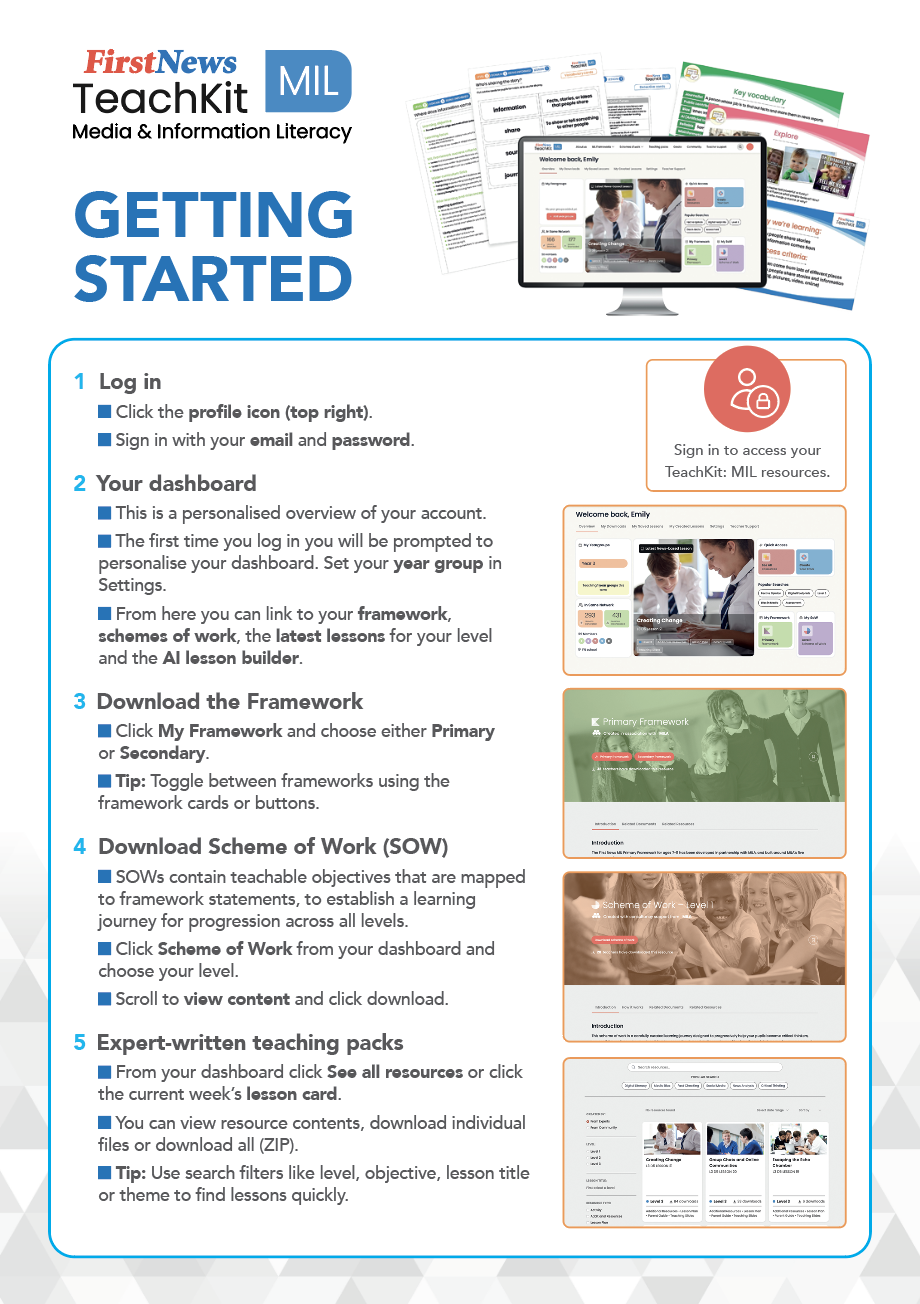
This step-by-step guide shows you how to make the most of your TeachKit: Media & Information Literacy resources. It walks you through onboarding, navigating the site, and accessing and downloading everything you need.
You will also find tips on creating your own lessons with the AI lesson-builder, exploring community resources, and seeing how the framework, schemes of work and resources fit together.
Download the guide and follow the steps to get set up quickly and start exploring TeachKit: MIL, with ease.
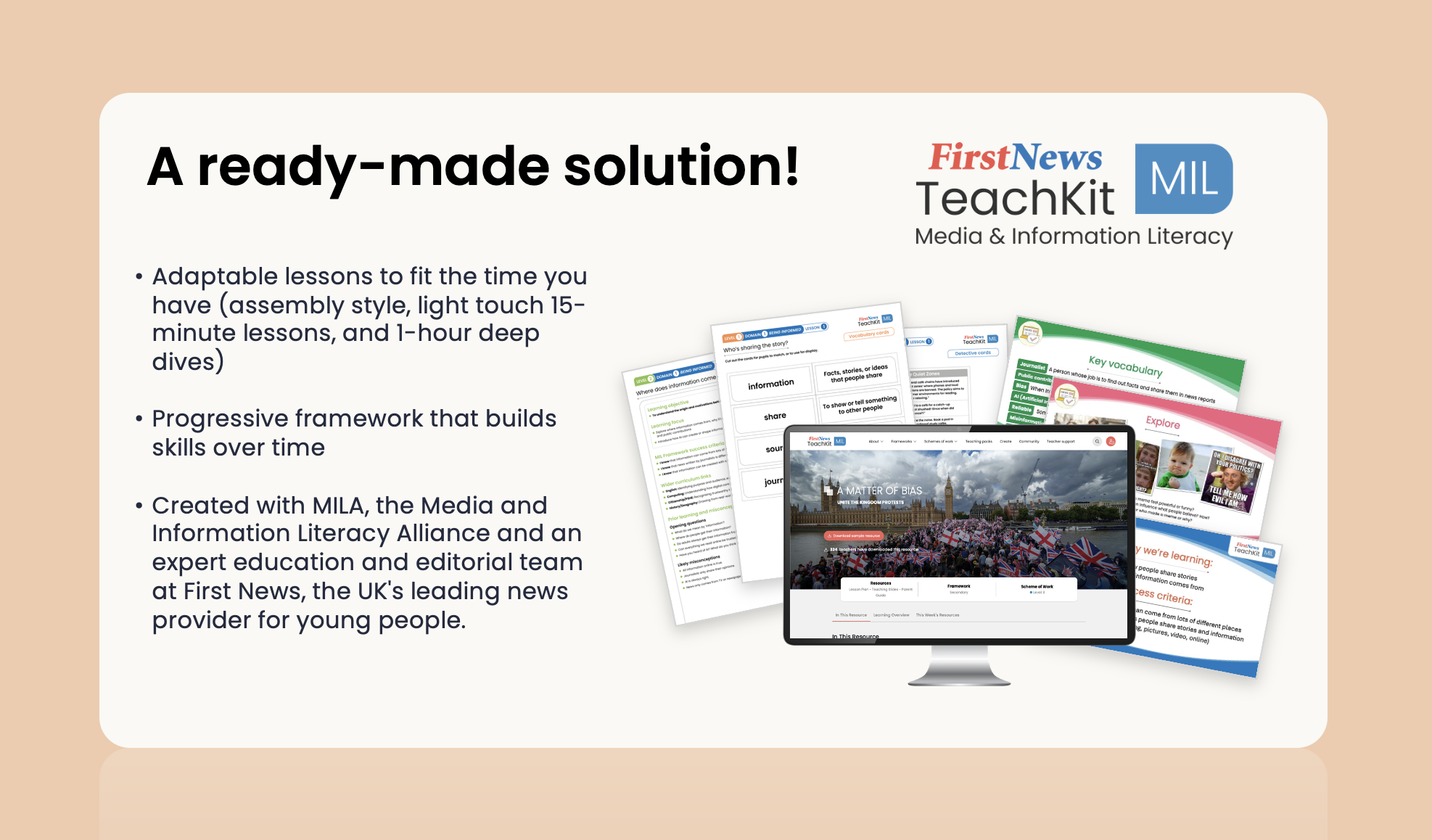
Media literacy is more vital than ever, which is why we created TeachKit: Media & Information Literacy. But, with a stretched curriculum, we know it can be a challenge to get your wider team, SLT, or governors on board.
We’ve saved you time and energy and created this ready-to-use ‘Make the Case’ deck to help you share the reasoning behind integrating TeachKit: MIL into your school resource bank.
It covers:
- What media and information literacy is
- Why it matters now, not later
- Why ad-hoc coverage isn’t enough
- How a structured, flexible approach supports staff and reduces workload
You can use it as-is, adapt it, or pull out individual slides to support discussions.
These quick videos walk you through finding the right teaching packs for your classroom.
This section will be home to explainers, webinars and training sessions to deepen your understanding of teaching media and information literacy.
NEW! Webinar
AI, Social Media and Future Voters: Media Literacy in Your Classroom
Webinar
Media-Savvy Classrooms: Teaching Information Literacy with Confidence
April 2025 (1h 1m)Explore our latest tips and talking points on media and information literacy (MIL) in schools, across the curriculum.